

Complete Buyer Guide to Choosing a Modern Touchscreen Laptop

Embracing the Intuitive Power of Modern Touchscreen Laptops
Touchscreen technology has moved beyond mobile phones to become a cornerstone of modern portable computing. By allowing you to tap, pinch, and swipe directly on the screen, these devices offer a more intuitive way to navigate complex documents, browse the web, or manage creative tasks. This gesture-based interaction frequently proves faster than traditional keyboard and mouse navigation, especially for individuals who prefer working in a more tactile, natural way as noted by Consumer Reports.
Boosting Workflow Across Diverse Professional Needs
For Indian professionals and students, the choice between hardware often hinges on finding the right balance between performance and portability. A 2-in-1 convertible laptop provides the flexibility to switch between a traditional workstation for typing and a tablet-like orientation for sketching or presenting. Using a high-quality touchscreen for annotation and note-taking can significantly improve your daily workflow efficiency. While premium devices from global manufacturers offer these features, you can access such high-performance hardware without a major upfront investment by exploring the rental options available at RentOPC.
When comparing machines, remember that touch functionality often dictates the screen finish. Most touch-capable models feature a glossy display for enhanced vividness, though this can sometimes increase glare compared to matte surfaces. If you are choosing a device for travel, prioritize models that weigh between 1.2kg and 1.5kg to ensure comfort during commutes. If you are still deciding which form factor best suits your needs, consult the WIRED guide for selecting the right balance of screen real estate and power. At RentOPC, we help you bridge the gap between expensive retail prices and your hardware requirements by offering flexible rental plans, free shipping across India, and a solid six-month warranty on our curated selections from top brands.
Understanding the Vital Benefits of Flexible Hardware Rentals

For Indian startups, students, and independent professionals alike, the decision to invest in technology often balances immediate performance needs against long-term financial constraints. Renting computing hardware offers a strategic alternative to purchasing equipment outright, allowing users to preserve capital for growth initiatives rather than locking funds into depreciating assets.
What are the primary benefits of renting computing hardware compared to buying it outright?
The primary advantage of a rental model is the preservation of cash flow. By avoiding a large upfront capital expenditure, small businesses can allocate resources toward operations, marketing, or staffing. At RentOPC, we provide flexible ownership models that eliminate the high initial costs typically associated with high-performance laptops and servers, ensuring you stay productive without exhausting your budget.
Scalability is another major driver for choosing rentals over ownership. Whether your team is expanding rapidly or you are managing a specialized project that requires extra computing power for a few months, renting allows you to adjust your hardware capacity instantly. While traditional retail stores require customers to commit to a purchase with no easy way to trade up, our rental service at RentOPC makes it simple to upgrade your tech stack as your operational requirements evolve.
Maintenance and IT burden often act as hidden costs for business owners. When you rent professional-grade equipment, you bypass the common frustrations of sourcing repairs or managing device lifecycles. Our commitment to reliability includes a six-month warranty on most of our inventory, effectively reducing the internal IT overhead that typically drains a company's time and energy.
- Preserve capital for critical business growth rather than static hardware assets.
- Easily scale hardware inventory up or down matched precisely to your active project timelines.
- Access high-performance hardware immediately without being hampered by long depreciation cycles.
- Minimize internal troubleshooting costs with included support and comprehensive warranty protection.
In addition to financial agility, the convenience of services like free shipping across India helps clear the logistical hurdles often found when acquiring enterprise-grade hardware. By choosing to source your tech through RentOPC, you secure access to a curated catalog of reliable products from brands like HP, Dell, and Lenovo, ensuring your team remains equipped with the tools necessary for modern-day success.
Strategic Advantages of Choosing Reliable certified refurbished Devices
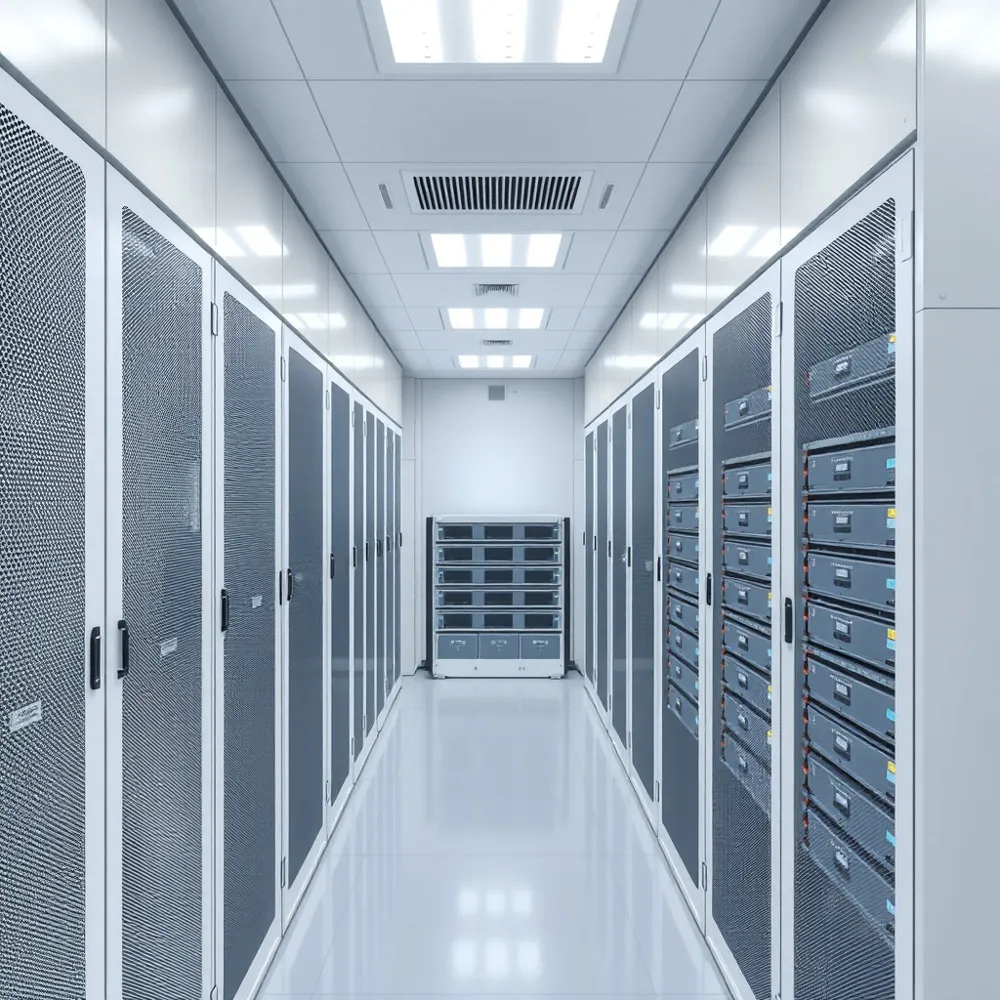
For Indian professionals and startups, upgrading technology frequently creates a tension between the need for high-performance hardware and the limitations of operational capital. Investing in certified refurbished systems offers a pragmatic solution, allowing you to secure enterprise-grade machines at a fraction of the cost required for brand-new models. While platforms like Consumer Reports emphasize the importance of selecting reputable sources to ensure device reliability, the economic benefit remains clear: access to premium hardware without crippling overhead.
Why should I choose certified refurbished hardware for my business needs?
Choosing certified refurbished hardware is a strategic move for Indian businesses looking to stretch their budgets, often providing cost savings of 30 to 50 percent compared to buying new equipment. By opting for retired corporate-grade devices, you gain access to high-performance, durable, and secure hardware that is built to handle demanding professional workloads more reliably than standard consumer alternatives. At RentOPC, every certified refurbished device is restored to meet rigorous quality standards, and your investment is further protected by our six-month warranty. Choosing certified refurbished also simplifies your path to scaling your team, as you can access premium technology without the heavy upfront capital expenditure required for new units.
Beyond the immediate financial relief, opting for certified refurbished units reflects a commitment to sustainable business practices. By extending the lifecycle of high-quality computing assets, companies reduce their contribution to electronic waste while continuing to deploy hardware capable of modern multitasking and security requirements. When you source these devices through RentOPC, you benefit from our infrastructure, including free shipping across India. Whether you need a single unit for a remote contractor or a fleet for an expanding office team, our flexible rental options mean you can scale your hardware presence dynamically as your needs evolve, avoiding the long-term commitments often associated with new purchasing cycles.
| Feature | New Retail Units | certified refurbished Corporate-Grade |
|---|---|---|
| Typical Cost | High Upfront | 30-50% Less |
| Durability | Variable | Enterprise Build |
| Availability | Immediate | Scalable Rental |
Selecting Your Ideal Form Factor and Display Quality
Choosing the right design and display panel depends largely on how you interact with your device. Traditional clamshell laptops provide a rigid, sturdy feel that is often preferred by professionals who prioritize typing ergonomics and performance, whereas 2-in-1 convertibles feature hinges that allow the screen to fold back 360 degrees. While the HP ProBook or Envy series offers solid build quality in various formats, users seeking flexibility for presentations or digital sketching should consider convertibles. At RentOPC, we help you access these versatile machines through flexible rental plans with our company's warranty and free shipping, allowing you to trial different form factors before committing to a permanent purchase.
Display Specifications for Creative and Professional Work
Visual clarity is paramount when your work involves graphic design or detailed document analysis. A resolution of at least Full HD (1920 x 1080) is the modern floor for crisp text, but creative professionals should target 2K or 3K panels for improved density during specialized editing tasks. As noted in a Consumer Reports buying guide, the trade-off for touchscreen technology is often a glossier surface, which may increase glare in rooms with bright overhead lighting. To maintain visibility, seek out displays with a brightness of 350 to 400 nits or higher.
Color Accuracy. For design work, look for panels that offer 80 percent or higher DCI-P3 color gamut coverage to ensure the colors you see on screen match your final output precisely.Eye Comfort. Prolonged use can contribute to digital eye strain. Features like anti-glare coatings, low blue light certifications, and flicker-free PWM dimming are essential additions for those spending long days in front of the screen.
Hardware durability is a significant concern for touch-enabled devices, especially when using a stylus. When evaluating a device, ensure the hinge system is robust enough to prevent unwanted screen bounce during physical input. While brands like Dell or Lenovo design their chassis for sustained touch interaction, these components are subject to wear over time. Through RentOPC, you can secure equipment backed by our company's six-month warranty and enjoy free shipping on all rentals, ensuring that professional-grade hardware remains reliable without the high upfront cost of new inventory. This approach allows users to rotate into newer, more durable models as their specialized project requirements evolve.
Essential Hardware Specifications for Optimal Performance
Modern touchscreen devices demand a robust foundation to handle software that is increasingly optimized for touch interaction and AI-driven tasks. For most professional and creative users, 16GB of RAM has become the essential baseline standard for fluid multitasking, while 8GB is often considered the bare minimum for budget-restricted tasks. At RentOPC, we offer configurations with these specs, so even mid-range rentals provide the capacity needed for managing workflows across multiple applications.
When selecting a processor, the choice depends on your intensity of production. Current models featuring the Intel Core Ultra or similar high-performance architectures are well-equipped to manage both routine business applications and advanced, on-device AI features. While some premium units offer dedicated graphics for heavy video editing or complex 3D modeling, most users find that the integrated graphics found in modern ultrabooks are more than sufficient for everyday productivity, media consumption, and light creative work.
Balancing Power Needs and Mobility
Performance components carry a cost in power consumption. Because touchscreen glass and extra sensors require constant energy, users must look for hardware that offers at least 10 hours of real-world usage to maintain mobility during commute or workday. Industry standards suggest that 14-inch laptops often hit the sweet spot for balancing screen real estate with battery longevity and portability.
| Component | Recommended Spec | Best For |
|---|---|---|
| RAM | 16GB | Responsive multitasking |
| Storage | 512GB+ SSD | Quick file access |
| Graphics | Integrated | Daily office tasks |
| Battery | 10+ Hours | All-day portability |
Connectivity, Peripherals, and Input Enhancements
Modern touchscreen devices rely on reliable connectivity to function as true professional hubs. USB-C with Thunderbolt support has become a widely adopted standard, offering a single-cable solution for fast data transfer, external monitor output, and efficient power delivery. While some budget-tier models may offer limited port variety, RentOPC maintains a curated selection of hardware featuring consistent I/O options, ensuring you have enough ports for your external hard drives, docking stations, and peripherals without cluttering your desk with adapters.
Optimizing Touch and Stylus Performance
The precision of your digital workflow depends heavily on the interaction between your stylus and the screen's digitizer. If you engage in frequent note-taking or graphic design, verifying stylus compatibility is critical. Unlike generic capacitive styluses, active pens require specific protocols like Microsoft Pen Protocol or Wacom AES to ensure good responsiveness.
- Palm rejection: Essential for a natural writing experience, this feature ensures the screen ignores your hand while the stylus is in use.
- Digitizer accuracy: Higher-end panels offer better latency and pressure sensitivity, allowing for nuanced control that mimics pen and paper.
- Consistency: Look for devices that support magnetic attachment or dedicated charging cradles to keep your accessories ready.
Beyond the screen itself, keep an eye on wireless standards and security integrations that define the modern office experience. Wi-Fi 7 is the latest standard for low-latency, high-bandwidth connectivity, which is vital for uninterrupted video conferencing and cloud-based file synchronization. Additionally, biometric security such as fingerprint readers or infrared facial recognition cameras (often seen on premium models like those found in the HP ProBook or Dell Inspiron series) provides a much faster and safer way to manage your work sessions than traditional typed passwords.
Whether you are comparing these features across brands or searching for the specific technical requirements for your startup, RentOPC provides verified hardware with full support. By choosing our rental services, you gain access to machines equipped with the latest biometric and port standards, supported by our six-month warranty and free shipping across India. We ensure that every device, from ultrabooks to powerful workstations, matches the exacting input standards required for modern professional software.
Exploring Our Wide Range of Hardware and Accessories
Finding the right technology to support your professional or personal workflow requires access to a diverse catalog that adapts to your unique space and tasks. At RentOPC, we provide a wide range of hardware tailored for both home use and the evolving needs of small businesses. Our inventory features new and certified refurbished laptops from brands including HP, Dell, Lenovo, Acer, and Fujitsu, so you can select devices that match your requirements.
What types of computing devices can I find for my home or small office?
Our selection extends beyond standard portable computers to include a broad range of options for your professional needs. We offer high-performance desktops and servers capable of handling intensive workloads, alongside portable tablets for on-the-go productivity. Our inventory allows you to pick the exact specifications required for your specific office setup, whether you are a startup needing scalable infrastructure or a student seeking an affordable machine for daily study.
To ensure your workstation is fully optimized, we also stock a full range of essential accessories and peripherals. This includes high-resolution monitors, universal docking stations, replacement chargers, and various gaming or office-grade peripherals. By providing everything in one place, we help you source every part of your setup in a single transaction. According to Consumer Reports, choosing a vendor that offers diverse categories helps businesses maintain hardware compatibility, and our platform makes this process straightforward.
To make hardware easier to obtain, we offer both direct purchase models and flexible rental options for these devices. Renting through RentOPC allows professionals and businesses to acquire advanced hardware without a significant upfront capital investment. Every product in our catalog, whether you choose to rent or buy, is supported by a six-month warranty and complimentary shipping across India.
Guaranteeing Your Investment with Our Warranty and Shipping
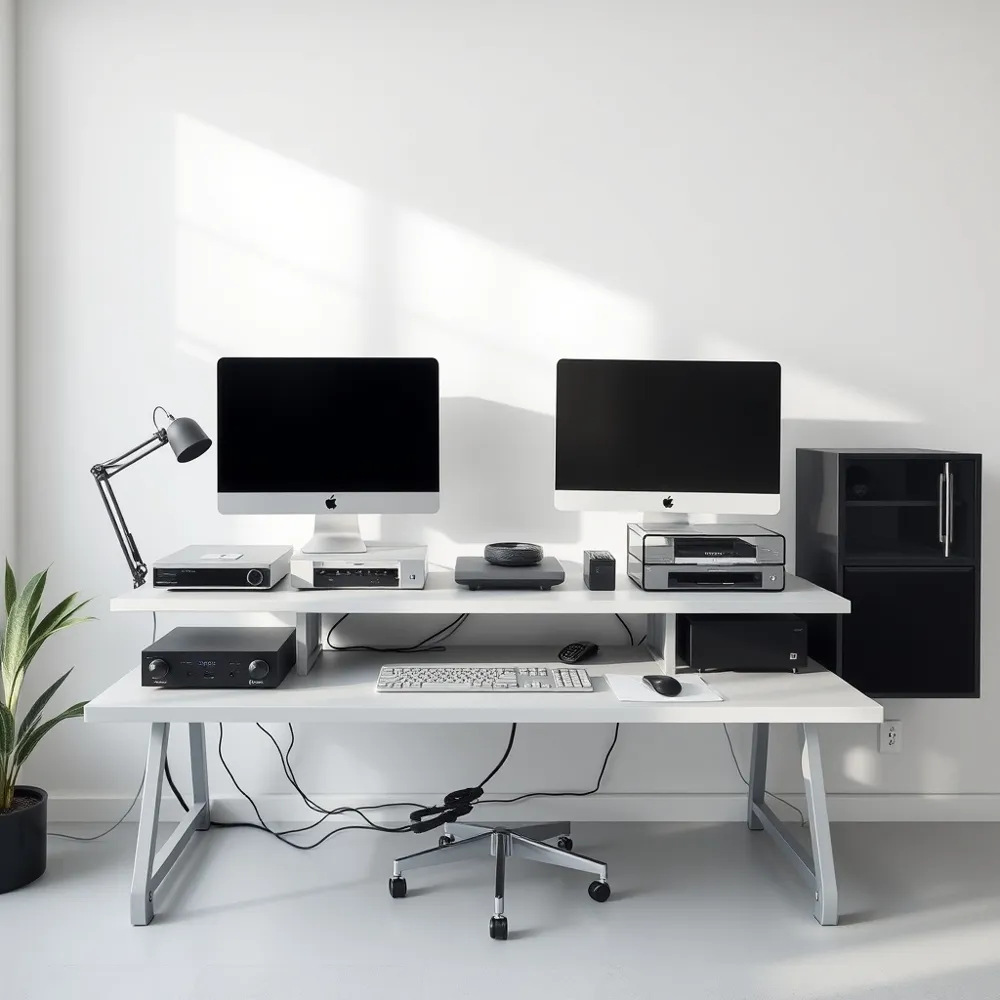
What kind of warranty protection does RentOPC offer on its hardware products?
Protecting your professional assets is a top priority, which is why we offer a standard six-month warranty on most of our computing hardware. This coverage extends across our entire catalog, including both new and certified refurbished laptops, powerful desktops, and robust servers. This baseline protection provides essential peace of mind for both busy professionals in urban hubs and small businesses managing limited budgets.
For even greater security, customers who choose to purchase their gear using an eligible eligible payment card may qualify for an extended warranty program. This complimentary benefit can often stretch the original manufacturer's protection for up to one additional year, helping you avoid unexpected repair costs. We always suggest that users report any hardware concerns immediately to our support team to streamline the claim process. By folding these card-based perks into our standard warranty protocols, your tech investment stays protected against unforeseen technical failures.
Are there additional costs for shipping my order within India?
Transparency is at the heart of our shopping experience. We proudly provide free shipping on all orders throughout India, ensuring that our pricing remains accessible for every student, creator, and entrepreneur. The price you see at the checkout window is the final total, with no surprise handling fees or logistics surcharges added later.
Whether you are waiting for a lightweight, touch-capable machine to arrive for your next creative project or a high-performance workstation for your home office, we handle the delivery logistics at no extra charge. This commitment to cost-effective service allows you to allocate your resources toward high-quality hardware rather than shipping expenses. Our streamlined delivery approach covers the entire country, bringing our curated selection of top brands such as HP, Dell, and Lenovo directly to your door with maximum efficiency. As noted in WIRED buying guides, selecting the right hardware is a partnership between quality equipment and reliable retail support, and we aim to make that experience as smooth as possible.
Making the Right Choice for Your Digital Future
Selecting the correct touchscreen device is an investment in your productivity, comfort, and creative potential. When considering your ideal match, prioritize a foundation of high-resolution displays and modern internals like those found in the latest generations of Intel Core Ultra or Snapdragon X series processors. For professionals who require both power and flexibility, a 2-in-1 convertible design allows for the seamless transition between tablet mode for sketching and a traditional laptop setup for intensive tasks. As noted in the Laptop & Chromebook Buying Guide from Consumer Reports, balancing these hardware needs against your daily mobility requirements is essential to ensuring the device remains a tool for your success rather than a burden.
Prioritizing Flexibility and Long-term Value
The path forward involves more than just selecting a specification list. It requires considering how you consume and create content, whether through precise stylus work for digital notes or interactive navigation for office software. For many Indian startups and independent professionals, the best way to determine if a specific form factor suits your workflow is through flexible ownership models. While traditional retail offers standard purchasing routes, renting computing hardware provides a lower-risk entry point, allowing you to scale your technology tools as your business demands evolve.
At RentOPC, we simplify this process by offering high-performance, certified refurbished hardware that maintains rigorous quality standards. Unlike buying new units that may depreciate quickly, our rental and certified refurbished options provide you with reliable, ready-to-work machines at a fraction of the cost. Every piece of equipment, from laptops to specialized workstations, is backed by our dedicated six-month warranty, ensuring you have the support required to keep your digital infrastructure running smoothly without worrying about unexpected repair costs.
Before finalizing your choice, evaluate your workspace and portability needs. If you travel frequently, a 14-inch model is often the optimal sweet spot for balancing screen real estate with weight, as suggested by WIRED. Our team at RentOPC is ready to assist you in navigating these variables, from display brightness and color accuracy to port availability. We invite you to explore our curated catalog or reach out for professional guidance tailored to your specific goals. By choosing a flexible path with free shipping across India, you are positioned to focus on what matters most, growing your business and pursuing your creative vision with confidence.
Related RentOPC guides
- Everything You Need to Know Before Buying Touchscreen Laptops
- Best Office Laptops Under ₹20,000 in India