

Server Hardware Basics for Growing Indian Small Businesses

Why Your Growing Business Needs a Server
A small business server acts as your company's digital backbone, centralizing file storage, email hosting, automated backups, and critical business applications. As your operations expand, your hardware needs change. You should consider a dedicated server once rising website traffic, the use of multiple business apps, or a need for constant uptime begins to strain standard office computers.
The importance of this infrastructure is clear as the global enterprise server market is projected to reach US$129.42 billion by 2029. For Indian businesses, the path to growth involves evaluating whether to purchase hardware, utilize cloud infrastructure, or leverage rental models to maintain performance without excessive capital expenditure.
Options like those found at RentOPC provide Indian startups and professionals access to high-performance servers through flexible rental models. This approach offers a practical way to manage IT requirements, allowing teams to focus on growth while supporting the reliability needed to scale successfully.
Choosing the Right Form Factor
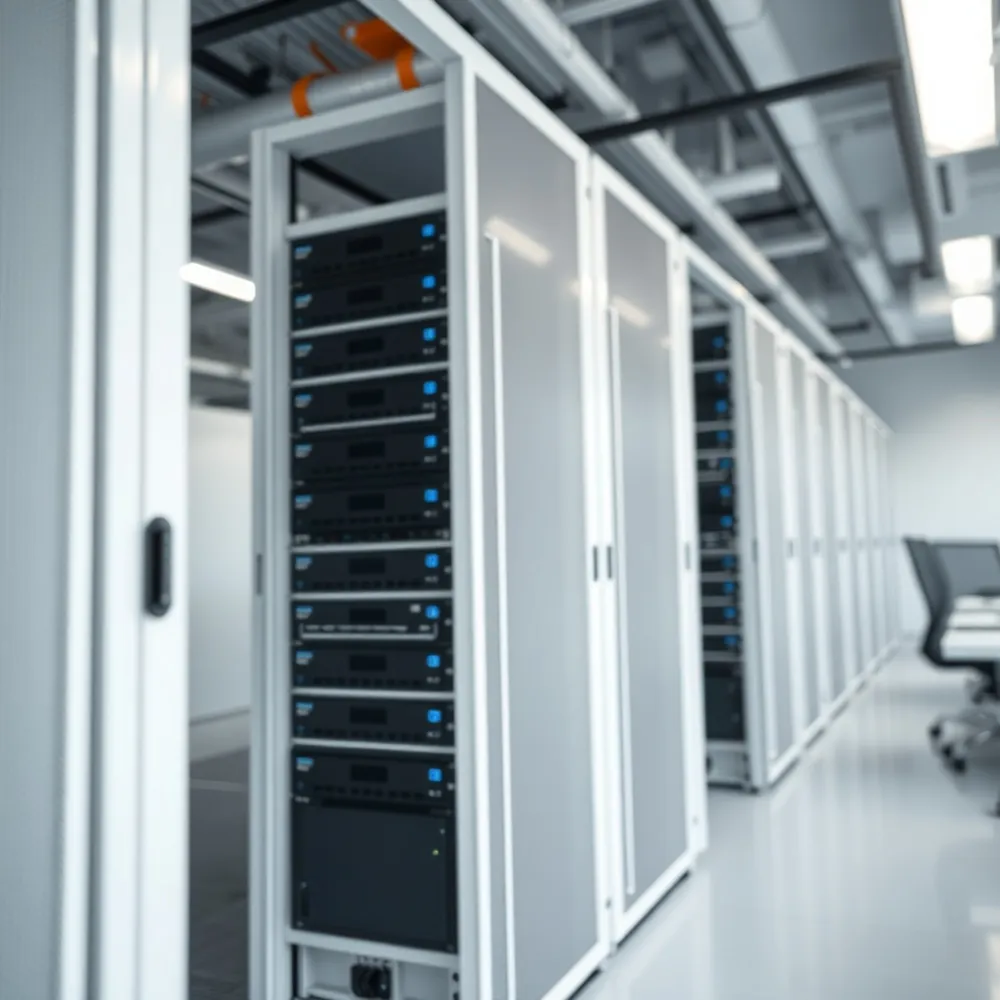
Selecting the physical structure of your server is a foundational decision that impacts your office space and future scalability. For businesses just beginning their digital transformation, tower servers are often the most practical choice. These stand-alone units function similarly to traditional desktop computers, fitting easily into standard office environments without requiring a dedicated server room. Through RentOPC, you can access a wide range of tower configurations from brands like HP, Dell, and Lenovo on a rental basis, allowing you to secure reliable hardware without the heavy upfront capital investment of a retail purchase.
As your operations expand, you may outgrow individual tower setups. Rack servers are designed to be mounted within standardized cabinets, which allows for stacked, high-density deployments. This form factor is essential for growing firms that require increased processing power and cleaner cable management.
For teams with significant space constraints, compact servers offer a modular and space-saving alternative. These devices are well-suited for basic file sharing and lighter workloads, though they are not designed for intensive data processing. Conversely, blade servers provide the highest density but often demand specialized cooling and power infrastructure well beyond the needs of a typical small business. For most Indian startups accessing equipment through RentOPC, balancing your immediate spatial limitations with your long-term performance goals is key. RentOPC's rental model includes a six-month warranty, ensuring that regardless of the form factor you select, your hardware remains a protected asset for your growing team.
Key Specs That Matter for Performance
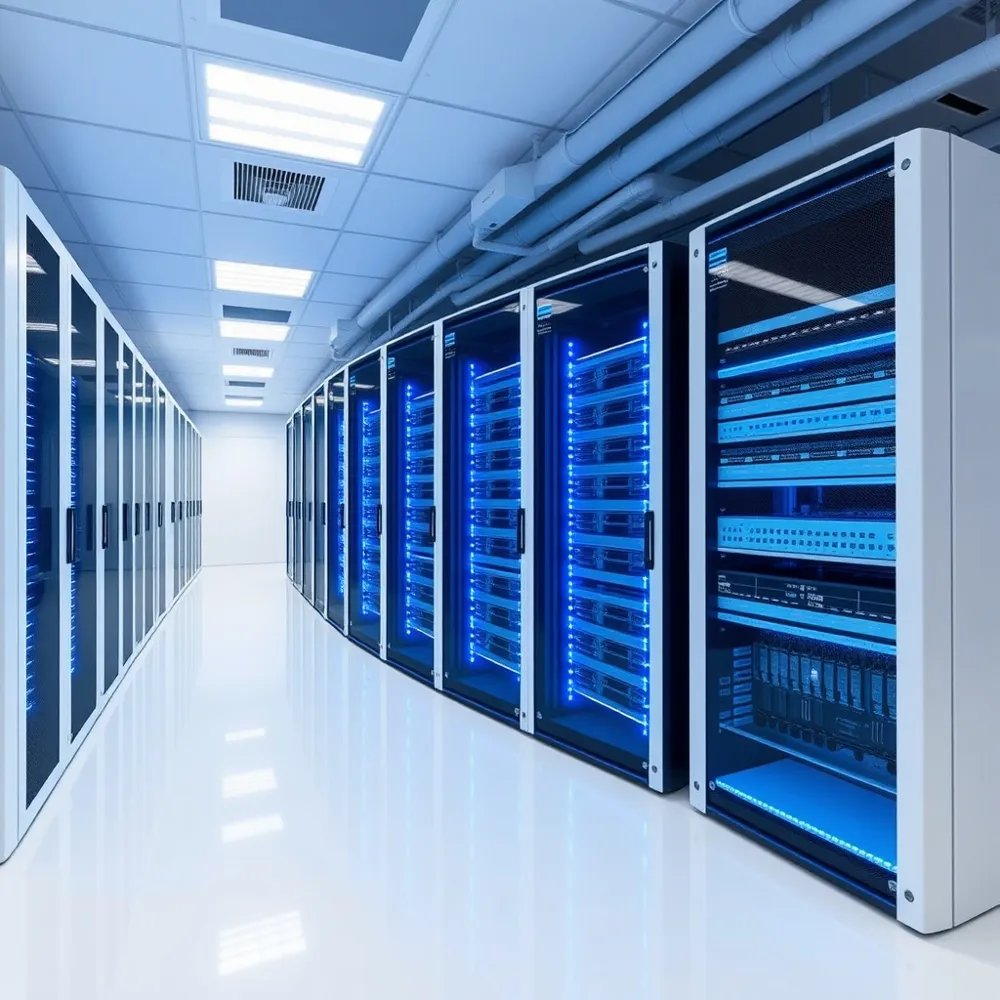
Selecting the right technical specifications ensures your hardware can handle your daily operations without bottlenecks. Before deciding on individual components, consider your primary workload. A simple file-serving setup may prioritize high-capacity storage, while running virtualization platforms or active databases requires significantly more processing power and high-speed memory.
- CPU: Match your core count to the number of concurrent applications you expect to run. While entry-level processors suffice for basic tasks, database-heavy environments benefit from multi-core chips.
- RAM: Plan for at least 16GB to 32GB of memory for standard office tasks, scaling higher to accommodate virtualization or shared remote desktop users.
- Storage: Prioritize NVMe or SSD drives over traditional HDDs for faster boot times and database responsiveness. NVMe drives offer the highest performance for data-intensive workflows.
- Scalability: Ensure the chassis allows for future upgrades to RAM and storage, as your business needs will likely expand. Selecting certified refurbished hardware from RentOPC provides solid performance at a lower price point than buying new retail units.
Reliability is just as important as raw speed. You should look for hardware that supports redundancy, such as dual Power Supply Units (PSUs) to prevent unexpected downtime, and RAID configurations for your storage, which protect your data if a disk happens to fail. By auditing your current needs and prioritizing these core specs, you create a stable foundation that supports your business growth effectively.
On-Premises vs Cloud vs Hybrid
Choosing where to house your server infrastructure is a strategic decision that depends on your control requirements, budget, and data sensitivity. On-premises hardware provides full physical possession of your servers, which is invaluable for businesses requiring direct oversight of sensitive data. However, this model requires you to manage power, cooling, and maintenance internally. For Indian businesses, this physical control can also simplify compliance with data sovereignty regulations.
Cloud-based or data center-hosted solutions allow you to leverage professional infrastructure with redundant power, climate control, and expert support, eliminating the need for a dedicated office server room. These services often operate on a pay-as-you-go model that helps maintain predictable cash flow. If you prefer this route but require domestic data handling, India-based providers offer sovereign infrastructure that meets local regulatory standards.
Many growing firms find a hybrid approach most effective. You can keep sensitive applications on-site while using cloud services for off-site backups or file sharing.
| Deployment | Control | Key Benefit |
|---|---|---|
| On-Premises | Full | Data sovereignty |
| Cloud/Hosted | Minimal | Reduced maintenance |
| Hybrid | Balanced | Scalable flexibility |
Renting vs Buying – A Cost Breakdown
Deciding between equipment ownership and leasing is a foundational financial choice for growing operations. When you choose to purchase hardware, you secure full ownership, but this comes with a considerable upfront capital outlay and the long-term responsibility for maintenance, security, and eventual disposal. You must also account for the Total Cost of Ownership (TCO) beyond the initial price tag, as operational expenses for cooling, electricity, and component refreshes can triple the annual cost after a server reaches its third year of service, per Hardware Refreshes for Small Businesses.
What are the primary benefits of choosing rental hardware over purchasing new equipment for my business or studies?
With RentOPC rental hardware, you can access high-performance technology without a large upfront capital investment, preserving your cash flow for other essential needs. Renting is a good fit for startups, professionals, and students who want the latest equipment without committing to a large purchase. By choosing to rent through RentOPC, you can upgrade to newer models at the end of your rental term, avoiding the hassle of reselling or managing outdated equipment yourself. RentOPC backs every rental with a six-month warranty on most products and free shipping across India, giving you reliable equipment with peace of mind — a cost-effective solution tailored to support your growth and productivity.
| Feature | Purchase | Rental |
|---|---|---|
| Upfront Capital | High | Low |
| Maintenance | Internal | Included |
| Upgrades | Manual | Seamless |
Essential Steps for Server Setup
Establishing a reliable digital foundation begins with understanding your specific network requirements and projecting future growth. Before investing in hardware, audit your current IT environment to determine if your workload justifies a dedicated server or if a certified refurbished unit can provide the necessary power at a lower cost. For businesses looking to scale without heavy upfront expenditure, RentOPC offers flexible access to enterprise-grade hardware through its rental service at RentOPC, with the added convenience of free shipping across India.
Physical installation requires attention to environmental factors, including proper cooling, cable organization, and stable power supply. Once the hardware is positioned, verify the compatibility of your chosen operating system with your existing workstation machines to ensure seamless integration. Unlike static retail purchases that leave you managing maintenance alone, RentOPC supports your setup with a six-month warranty, providing a safety net for growing small businesses.
- Perform a comprehensive data backup to an external drive before starting any configuration to prevent potential loss.
- Implement redundancy strategies like RAID configurations to protect your mission-critical data against hardware failures.
- Create individual administrative and user accounts to manage access levels and improve security protocols.
- Configure secure remote access with multi-factor authentication to support distributed or hybrid teams.
- Upload and test your business management software, ensuring consistent performance across the internal network.
Maintenance should include routine performance monitoring and software patching to sustain uptime. By focusing on these early steps, you can avoid the costly disruptions often associated with poor initial planning. Whether opting for a tower server for decentralized offices or a high-density solution, taking a structured approach ensures your IT infrastructure remains a reliable asset rather than a liability.
Management and Maintenance Best Practices
Effective oversight keeps your digital core reliable and secure. Small teams often benefit from embedded or automated management software to monitor system health without requiring a dedicated IT department. Tools that track CPU utilization, memory pressure, and disk usage in real time allow you to address bottlenecks before they disrupt operations. By incorporating these automated solutions, you prioritize your time on core business tasks while keeping sensitive data under consistent supervision.
- Schedule regular physical inspections to remove dust, ensure cable integrity, and confirm cooling systems are preventing overheating.
- Implement a rigorous patch management schedule to apply consistent software updates and security fixes, which significantly reduces vulnerability to cyber threats.
- Include hardware essentials like uninterruptible power supplies (UPS) and high-quality networking switches in your initial infrastructure budget to prevent sudden downtime.
- Perform proactive maintenance on hardware to extend equipment lifespan and improve long-term performance.
Regular upkeep is a cost-effective strategy to avoid unplanned failures and expensive emergency repairs. For businesses using high-performance hardware from brands like HP, Dell, or Lenovo, proactive care ensures that these investments remain stable for years. If you rely on flexible ownership models from RentOPC, maintaining your environment properly is vital for operational continuity. Remember that replacing aging hardware every two to four years is often more economical than dealing with the tripled operating costs that typically emerge after three years of sustained usage, as noted by BizTech Magazine.
Security and Backup Strategy
Centralized storage allows you to apply uniform security protocols across your entire network. By managing your files on a server rather than across scattered individual laptops, you can consistently deploy firewalls, antivirus software, and access controls. This architecture ensures that when users connect remotely, they follow the same security standards as those in the office.
Data protection begins with hardware redundancy. Configuring your drives in a RAID (Redundant Array of Independent Disks) setup provides a safety net against physical component failure by mirroring or striping data across multiple drives. While a RAID configuration is essential for uptime, it is not a substitute for a comprehensive backup and disaster recovery plan. Regular, automated backups to an offsite or external location are critical to ensure business continuity if you encounter a breach or catastrophic hardware failure.
For Indian firms, data sovereignty and regulatory alignment are becoming increasingly vital. Adhering to the Digital Personal Data Protection (DPDP) Act often requires businesses to know exactly where their data resides. If you are handling sensitive information, consider how your infrastructure supports these compliance obligations. When you eventually retire old hardware, ensure you utilize certified data destruction services for your IT asset disposition to prevent lingering security leaks.
If your current security setup feels outdated, refreshing your equipment can minimize risks associated with older devices. Hardware Refreshes for Small Businesses notes that delaying these updates can lead to spiraling operational costs and vulnerability to unplanned outages. RentOPC offers hardware rental options with a six-month warranty and free shipping, providing a secure and cost-effective way to transition to more modern IT infrastructure.
When to Upgrade Your Server Hardware
Sticking to an outdated server can impact your bottom line more than you might realize. Industry experts recommend that small businesses follow a hardware refresh cycle of two to four years, rather than the common three to six-year approach. Keeping aging equipment around is a hidden tax on your operations; data indicates that server operating costs can triple after three years of use, climbing from an average of $7,541 annually to $22,511 per year.
A technology audit is the essential first step to identify underperforming assets. You should evaluate whether your current setup still serves your business growth objectives, such as supporting increased remote work or faster customer service. Clear indicators that your hardware is reaching its limit include a significant surge in website traffic, the need to deploy new resource-heavy software, or increasingly unreliable system uptime.
For Indian businesses looking for affordable ways to modernize, RentOPC's rental service at RentOPC provides a flexible path forward. Instead of committing to the high upfront capital expenditure of brand-new units, you can access powerful hardware from brands like HP and Dell on a rental basis. This model allows you to stay current with performance requirements while benefiting from RentOPC's six-month warranty and free shipping across India. When you partner with RentOPC for your next refresh, you can avoid the headache of deployment as well, moving seamlessly to updated technology without the downtime often associated with emergency hardware procurement.
Top Brands and Where to Find Them in India
Selecting the right server architecture requires balancing performance with long-term reliability. Industry standard lines such as HP ProLiant, Dell PowerEdge, and Lenovo ThinkSystem are widely recognized for their durability and capacity to scale alongside your business growth. These enterprise-grade platforms are built to handle intensive workloads, making them a fixture in stable, high-performance IT environments.
For many Indian small businesses, obtaining this enterprise-grade quality does not require a massive initial capital expenditure. At RentOPC, we provide access to a broad catalog featuring HP, Dell, Lenovo, Acer, and Fujitsu. By opting for our certified refurbished enterprise hardware, startups and professionals can leverage powerful, reliable servers at a fraction of the cost of new retail units. This strategy allows you to secure high-performance technology that fits within a tighter growth budget.
Partnership with a local retailer provides benefits beyond just competitive pricing. At RentOPC, we support Indian small businesses with free shipping across the country and a six-month warranty on most hardware. These measures ensure that your investment is protected and that your operations remain resilient. Whether you require a short-term rental for a pilot project or a more permanent hardware solution, our flexible ownership models are designed to meet the unique needs of the Indian professional landscape.
Does RentOPC provide any quality guarantees for their laptops and computing accessories?
Yes, RentOPC ensures quality and reliability by providing a six-month warranty on most of our new and certified refurbished laptops and computing accessories. This internal warranty gives our customers peace of mind regarding their hardware investment from the moment of purchase.
Which brands of laptops and desktops are available in the RentOPC catalog?
At RentOPC, our catalog features high-quality laptops and desktops from top manufacturers, including HP, Dell, Lenovo, Acer, and Fujitsu. We curate these specific brands to ensure that our clientele, from students to growing startups, has access to hardware capable of handling demanding daily workloads.
What shipping options does RentOPC offer to customers across India?
At RentOPC, we prioritize efficiency by offering free shipping on all hardware and accessories across India. Our logistics process is engineered to minimize wait times, ensuring that professionals can get their systems online without incurring extra delivery costs.
Virtualisation and Scalability
Server virtualization platforms, such as VMware or Hyper-V, allow businesses to host multiple virtual servers on a single physical host. This approach maximizes resource utilization, improves operational efficiency, and significantly reduces downtime by isolating critical applications. For growing Indian startups, utilizing certified refurbished enterprise-grade servers from RentOPC provides a budget-friendly foundation to run these virtual environments without the high upfront capital expenditure of buying brand-new retail units.
Scalable storage servers and modular infrastructure enable companies to expand capacity as their data needs fluctuate, ensuring growth happens without major service interruptions. While some businesses choose to maintain on-premises virtual hosts for sensitive local applications, many are adopting hybrid strategies that leverage private hardware for core database management while utilizing cloud providers to handle burst capacity.
Planning for future-proofing is essential; selecting hardware that supports memory expansion and additional storage bays prevents the need for complete system overhauls. Customers choosing to rent hardware through RentOPC benefit from the flexibility to upgrade their equipment as operational demands change. With the added security of RentOPC's warranty and free shipping across India, businesses can scale their IT footprint confidently while keeping costs predictable.
Comparing Popular Server Operating Systems
Your choice of operating system dictates how you interact with your hardware and manage day-to-day operations. For businesses deeply integrated into the Microsoft ecosystem, Windows Server 2022 is often the standard choice. It provides seamless compatibility with essential services like Active Directory, Exchange, and SQL Server, making it a reliable backbone for office environments that already rely on specialized business software.
If your team prioritizes customization and cost-efficiency, Linux distributions such as Ubuntu or Debian are highly regarded. These systems are frequently used for web servers and development environments because they allow for granular control over the software stack. While open-source platforms typically do not require the same licensing fees as proprietary solutions, organizations should account for the internal technical expertise needed to configure and maintain them over time.
Selecting the right platform often hinges on weighing your budget, existing staff skills, and required application support. Regardless of your final choice, modern server hardware from providers like RentOPC often includes embedded management tools. These utilities work across both Windows and Linux environments to simplify routine maintenance, helping small teams manage their infrastructure without needing a full-time, dedicated IT department.
NAS and Specialised Storage Solutions
For small teams, maintaining accessible and secure data is often the primary driver for hardware investment. A Network Attached Storage (NAS) device functions as a dedicated, on-premises storage solution that simplifies centralized file sharing and automated backups across your network. Unlike rigid monthly cloud subscriptions that scale in cost with your data volume, a localized NAS acts as a cost-effective alternative for businesses with 10 or fewer users.
Solutions like HPE StoreEasy provide intuitive, centralized management specifically tailored for smaller sites. If your operations require more than simple file access, such as running specific database applications, you might consider transitioning to a tower or compact server. These options provide a stronger foundation for lighter workloads while keeping physical management simple.
As your business expands and data demands grow, moving toward a dedicated scalable storage server ensures you do not hit capacity ceilings unexpectedly. Startups in India can explore affordable access to such reliable storage hardware through RentOPC, which offers flexible rental models, free shipping, and a comprehensive warranty on most hardware. This approach allows growing firms to upgrade from basic storage to robust infrastructure without the heavy upfront capital expenditure, while also benefiting from the peace of mind that comes with RentOPC's service guarantees.
Your Next Step Towards a Reliable Server
Selecting the right server infrastructure hinges on balancing your specific form factor requirements, technical specifications, hosting models, and budget constraints. Whether you choose on-premises equipment or a cloud-based solution, the focus remains on ensuring scalability and reliability for your daily operations.
For many Indian small businesses and startups, the traditional barrier of high upfront capital is a common challenge. RentOPC.com addresses this by providing a flexible rental model that lowers financial risk while maintaining access to high-performance hardware. Their offerings include a six-month warranty on most products, free shipping across India, and competitive pricing that frequently undercuts standard retail costs.
Before finalizing your decision, carefully assess your current growth plans and data workload. Investing in the correct architecture now strengthens your long-term productivity and data security. You can explore the extensive catalog at RentOPC to find new or certified refurbished servers, along with essential accessories and rental plans specifically tailored to the needs of growing Indian entrepreneurs.