

How Much RAM Does Your Laptop Really Need

Understanding Random Access Memory as Your Laptop's Short-Term Workspace
At its most basic level, Random Access Memory (RAM) acts as your laptop's short-term workspace. Think of it as a physical desk surface where your computer places the files, browser tabs, and applications you are currently using for instant access. Because the CPU can retrieve data from RAM significantly faster than from permanent storage, having sufficient capacity is critical for maintaining overall system speed.
It is common to confuse RAM with an SSD or hard drive, but they serve entirely different functions. While your SSD is like a filing cabinet that stores your data long-term even when the power is off, RAM clears its contents the moment you shut down your device. RAM Reality Check explains that when your active tasks exceed your available RAM capacity, your operating system is forced to offload data onto that slower long-term storage in a process called swapping. This creates a severe performance bottleneck, leading to noticeable lag, system hangs, and unresponsive applications.
When you choose a device on RentOPC, balancing your RAM needs is a primary way to ensure your hardware remains effective for your specific professional or academic workload. Unlike a standard retail purchase where you might be stuck with a fixed configuration, our rental models provide the flexibility to upgrade or switch your hardware as your requirements grow. If you find your current system regularly hitting high memory pressure, moving to a higher capacity model through RentOPC can revitalize your workflow, providing the smooth multitasking experience required for modern software tools.
Memory Requirements for Every User Category
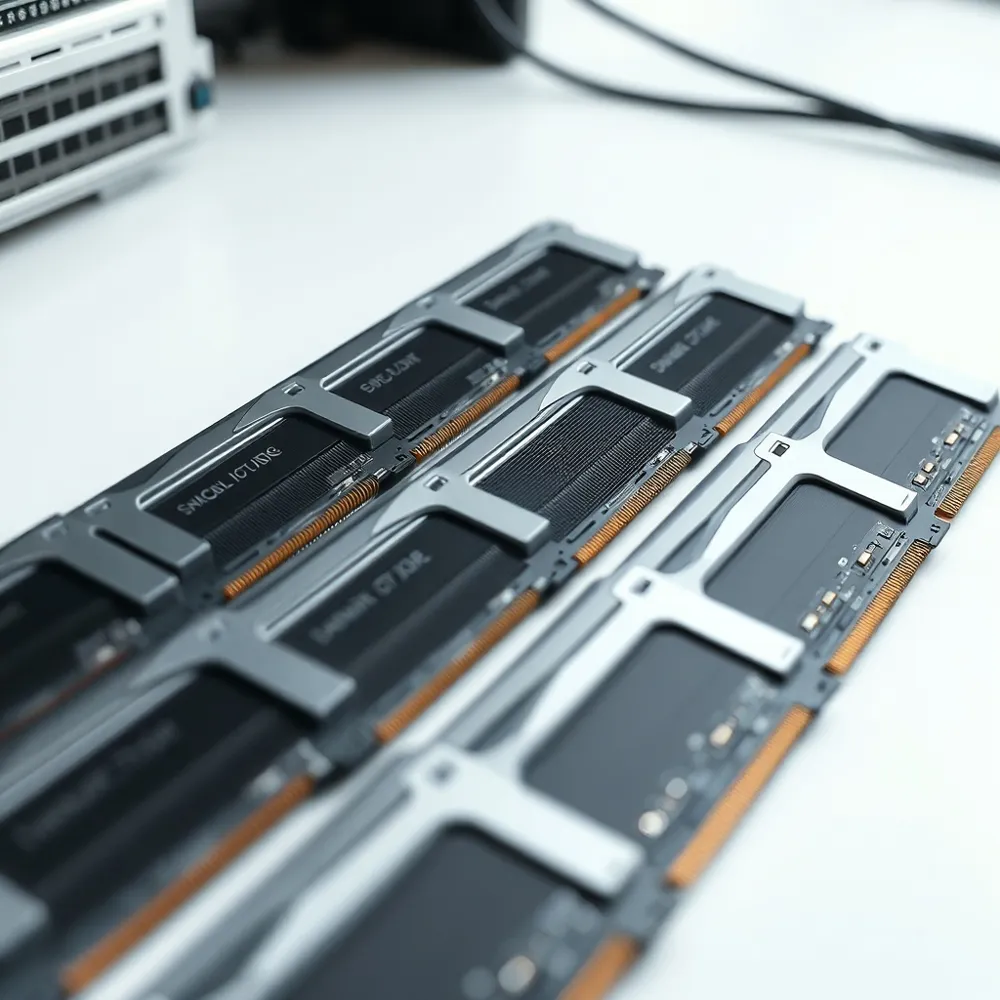
Selecting the right memory, or Random Access Memory (RAM), is one of the most critical decisions when investing in your computing setup. At RentOPC, we often help professionals and students balance performance and cost, as hardware demands have shifted significantly heading into 2026. While entry-level specifications still exist, modern software and operating systems require a higher memory floor to maintain usability.
For casual users handling basic web browsing and document creation, 4GB of RAM is sometimes marketed by manufacturers, but it is rarely enough for a fluid experience in 2026. 8GB is the practical minimum requirement for a stable Windows 11 environment. While many retailers may push 8GB models to keep costs low, we at RentOPC emphasize that 16GB is the emerging industry standard for a baseline experience.
For the modern multitasker, 16GB is the recommended starting point. This capacity allows users to manage multiple browser tabs, video conferencing, and productivity applications simultaneously without triggering sluggish performance. When a system lacks sufficient physical memory, it is forced to move data to the storage drive—a process that acts as a significant bottleneck. Renting through RentOPC provides access to these modern configurations with the added security of a six-month warranty and free shipping across India.
Power users and creative professionals require more robust headroom. For those engaging in professional-grade video editing, 3D rendering, virtual machine operations, or complex data analysis, 32GB of RAM is the standard baseline recommendation. These intensive workflows demand the speed and stability that higher memory capacities offer. Regardless of your specific needs, it is vital to check if your intended laptop model allows for future upgrades; many thin-and-light devices now use soldered memory that cannot be expanded. Choosing the right capacity at the time of your rental or purchase ensures your device remains productive as your business grows.
The Business Case for Renting vs Buying Hardware
For Indian consumers and small-business owners, the decision to invest in technology often involves weighing the immediate cost against long-term utility. Renting computing hardware provides a flexible, cost-effective alternative to making large upfront capital investments, allowing you to preserve cash flow for other essential needs. With RentOPC's rental services, you gain immediate access to quality hardware from brands like Dell, HP, and Lenovo without a hefty initial commitment, and you benefit from RentOPC's warranty and free shipping options.
The rental model is particularly advantageous for startups and students who may face changing hardware requirements. Projects often start small but scale rapidly, and renting allows your tech capacity to grow alongside your business or academic workload. By choosing to rent through RentOPC, you avoid the risks associated with hardware depreciation and technical obsolescence, ensuring you always have access to current, reliable machines. Unlike buying used devices where maintenance costs fall entirely on the owner, RentOPC's rental service includes a warranty on most products to provide peace of mind, along with free shipping across India.
Logistical bottlenecks should never slow your progress. Reliable hardware support and transparent pricing structure the foundation of RentOPC's rental service. With free shipping across India and an inventory curated for value, RentOPC offers a practical path for those who require reliable tools today but need the agility to adapt tomorrow. Whether you are a student managing a short-term project or a professional building a baseline for your business, renting through RentOPC removes the barriers typical of traditional asset ownership.
Navigating Hardware Protection and Extended Warranty Options
Investing in high-performance laptops and workstations is a significant commitment for any student, freelancer, or small-business owner in India. Beyond the initial hardware specs, ensuring that your tools remain reliable over time is a core part of protecting your IT budget. Whether you choose to invest in a permanent device or prefer the flexibility of renting, understanding your coverage options is essential for a worry-free experience.
Does the rental or purchase of equipment through the RentOPC.com platform include any form of protection or warranty?
When you secure your hardware through RentOPC, you receive a reliable safety net built into your agreement. Every laptop, desktop, and server available through their catalog is backed by a standard six-month warranty. This coverage is designed to help professionals and students maintain productivity without the fear of immediate technical failure.
While a standard warranty provides peace of mind, experienced buyers often look for ways to extend this protection for long-term hardware security. If you are purchasing equipment, paying in full with an eligible credit card can unlock additional protection. Many card providers offer a free extended warranty that may lengthen the manufacturer's original coverage for up to an additional year. We recommend visiting your specific card provider's benefits portal to verify your eligibility and understand the exact coverage limits.
By pairing the built-in support offered at RentOPC with your own cardholder benefits, you can effectively minimize your technical risk. This tiered approach to hardware protection ensures that your investment remains functional and supported, even as your professional workload grows or your academic requirements shift throughout the year.
Maximizing Value with Certified Refurbished Laptops
Choosing a refurbished laptop is a smart, cost-effective strategy for Indian consumers, allowing you to access premium performance from top brands like Dell, HP, and Lenovo at a fraction of the original retail price. These devices undergo testing, repairs, and quality certification to meet performance standards.
What makes choosing refurbished laptops a smart choice for budget-conscious Indian consumers?
Refurbished hardware can fit your budget while still offering reliable performance. Beyond the initial savings, platforms such as RentOPC provide additional value through helpful inclusions like a six-month warranty, free shipping across India, and flexible rental options that minimize your financial risk.
This approach can help you equip yourself or your startup with capable tools while keeping initial costs low. Many professionals and students choose this route to avoid the depreciation of new units while still using capable machines. RentOPC provides equipment that is ready for immediate use.
| Feature | Refurbished Gain | Economic Impact |
|---|---|---|
| Equipment Cost | Significant savings | Lower capital outlay |
| Quality Assurance | Comprehensive testing | Reduced repair risk |
| Operational Value | Six-month warranty | Greater peace of mind |
Efficient Logistics and Nationwide Shipping for Your Tech
When you invest in computing hardware, the final step in the process is often the most critical for maintaining your workflow: getting the equipment to your doorstep as quickly as possible. At RentOPC, we understand that professionals, students, and startups in India require reliable, timely access to high-performance technology without the friction of delayed logistics.
How does RentOPC support customers across India regarding shipping and logistics?
We prioritize your convenience by providing free shipping on all hardware and peripherals across India. Our logistics network is optimized for both speed and reliability, ensuring that your equipment reaches you promptly so you can avoid downtime and stay productive. Whether you are a solo freelancer in a major metro or a growing startup in a smaller hub, our delivery process is designed to eliminate unnecessary wait times and overhead costs.
We maintain a dedicated supply chain to guarantee that laptops, servers, and gaming accessories are dispatched quickly and handled with professional care. While other retailers may impose hidden delivery fees or vague arrival timelines, RentOPC offers transparent service that treats your schedule as our top priority. By choosing our platform, you receive more than just hardware; you gain a partner committed to efficient nationwide distribution that keeps your professional or academic operations running smoothly.
Recognizing the Signs Your Laptop Needs a Memory Boost

Your laptop relies on Random Access Memory (RAM) as a short-term workspace to keep active data instantly available to the CPU. When this capacity is exhausted, the system struggles, leading to noticeable performance degradation. Whether you are using a device purchased from RentOPC or another provider, recognizing the warning signs early ensures you can address potential bottlenecks before they disrupt your productivity.
- Unresponsive applications that freeze unexpectedly during use.
- Frequent system hangs that force you to wait for simple inputs to register.
- Sluggish boot times, as the machine struggles to load core services.
- Difficulty switching between multiple open programs, which often results in severe lag.
If you experience these symptoms, common industry findings suggest that insufficient memory is the most likely culprit as reported by the PCMag RAM guide. It is a misconception to assume that upgrading to faster storage, such as a high-speed SSD, will resolve RAM-related constraints. While fast storage helps when your operating system starts moving data out of physical memory, it cannot replace the immediate, high-bandwidth performance provided by adequate RAM modules.
To confirm whether your machine needs more headroom, use the built-in diagnostic tools. On Windows, you can open Task Manager by pressing Ctrl + Shift + Esc and navigating to the Performance tab. If you notice your memory usage consistently hovering between 80% and 100% while performing your regular tasks, you are likely hitting a hard bottleneck. Professionals and small businesses leveraging the flexible rental models at RentOPC often find that monitoring these metrics allows them to switch to a higher-specification laptop before their current device becomes a liability. When upgrading, remember that RentOPC offers warranty protection, free shipping, and rental options on eligible purchases—making it a reliable choice for affordable tech solutions.
Performance Bottlenecks Beyond Random Access Memory
While your laptop's memory acts as the primary short-term workspace, it does not function in isolation. Achieving a balanced machine requires looking at the interplay between several components. The CPU acts as the brain that directs operations, while storage drives decide how quickly those files are retrieved. Even with ample memory, an older hard drive or an entry-level processor can introduce significant delays, creating a hardware bottleneck where the memory is left waiting for data to arrive.
Integrated graphics units present a unique challenge for memory management. Unlike dedicated graphics cards that have their own onboard VRAM, integrated chips borrow from your system memory. If you are a designer or a light gamer, you must account for this shared consumption. To manage this, check your system's memory usage under load and consider configurations with dual-channel RAM to reduce the impact on your productivity applications.
Optimizing memory architecture through channels
- Single-channel configurations rely on one memory pathway. This is often sufficient for light administrative tasks but can limit the bandwidth available to the CPU during heavy data movement.
- Dual-channel memory uses two synchronized sticks to effectively double the bandwidth pathway. This provides a measurable speed boost for graphics-heavy workflows and complex data analysis.
- When renting high-performance servers or workstations, look for hardware that is pre-configured for dual-channel speeds to avoid the single-stick limitations found in standard base-level consumer hardware.
To truly avoid performance degradation, consider the system as a whole rather than focusing on a single specification. Faster components like NVMe solid-state drives can mitigate minor memory constraints by providing rapid virtual memory access, but they cannot replace physical capacity when your workload grows. Whether you are building your own toolkit or choosing a rental solution, check that your CPU, storage, and memory tiers align with your specific usage needs to prevent one component from stifling the power of the others. According to PCMag, performance stability is best maintained when these components are matched to your software's specific requirements, such as those governed by Independent Software Vendor certifications for professional tools.
Final Tips for Future-Proofing Your Laptop Purchase
Selecting a laptop is often a major decision for students and business owners in India. Beyond immediate budget constraints, future-proofing your investment is essential for maintaining productivity over the long term. Many modern thin-and-light laptops now feature soldered memory to save space and improve efficiency, which permanently limits your ability to upgrade capacity later, as PCMag explains in their latest hardware guide.
Before you commit to a purchase, always verify whether the laptop supports non-soldered memory slots and check the maximum supported capacity in the manufacturer’s documentation. Choosing a device with expansion potential allows you to start with a standard configuration and add memory if your workflow grows. At RentOPC, we offer a curated selection of laptops from brands like HP, Dell, and Lenovo that often provide the balance of flexibility and performance that many fixed-retail devices lack. Unlike traditional stores, our rental model offers you more adaptability, letting you access the hardware you need without the risk of being locked into an obsolete machine.
Consider your long-term workflow when choosing your specifications. While an 8GB machine might handle basic tasks today, modern software and browser requirements are pushing 16GB of RAM as the new industry baseline for 2026. Prioritizing this higher capacity now prevents the performance degradation that occurs when an operating system is forced to swap data to slower storage. When you choose hardware from RentOPC, you benefit from our six-month warranty and nationwide shipping, ensuring your setup remains a reliable tool for your professional or academic goals. We aim to be your one-stop shop for sustainable tech solutions, helping you avoid the false economy of purchasing underpowered equipment that requires premature replacement.
Related RentOPC guides
- A Simple Step by Step Guide to Upgrading Laptop RAM
- 8GB vs 16GB RAM: How Much RAM Do You Actually Need in 2026?