

Best Gaming Laptop Peripherals for Competitive Play

Essential Peripherals to Elevate Your Competitive Gaming Performance
Achieving an edge in competitive gaming often depends on how effectively you interface with your hardware. While a high-performance laptop provides the processing power, the right peripherals translate your intent into in-game action with precision. At RentOPC, we provide flexible rental options for top-tier hardware, making it easier for students and startups in India to access professional-grade tools without a heavy upfront investment.
Precision Input Control
A dedicated gaming mouse is the most critical upgrade over a standard laptop trackpad. Professional players prioritize lightweight, wireless designs equipped with optical sensors that eliminate signal jitter. Companies like Logitech and Razer offer industry-standard sensors that provide accurate tracking, which is essential for target acquisition in fast-paced titles. When your equipment reaches its performance limit, our rental catalog at RentOPC allows you to upgrade to the latest gaming-ready peripherals alongside our robust laptop lineup.
- Mechanical keyboards feature tactile switches that offer faster actuation and durability compared to standard membrane boards.
- Gaming headsets with noise-canceling microphones are vital for drowning out fan noise and ensuring clear communication during team-based matches.
- External monitors allow for higher refresh rates and larger display real estate, separating your gaming workspace from secondary task management.
Upgrading to a mechanical keyboard with rapid trigger switches can dramatically improve your response times in competitive shooters. Because we understand the value of a balanced budget, RentOPC offers free shipping across India and a comprehensive six-month warranty on most rentals, ensuring your setup remains stable. By investing in consistent gear that replicates your tournament configuration at home, you build the muscle memory necessary to compete at the highest level.
Mastering Input: Choosing the Right Gaming Mouse
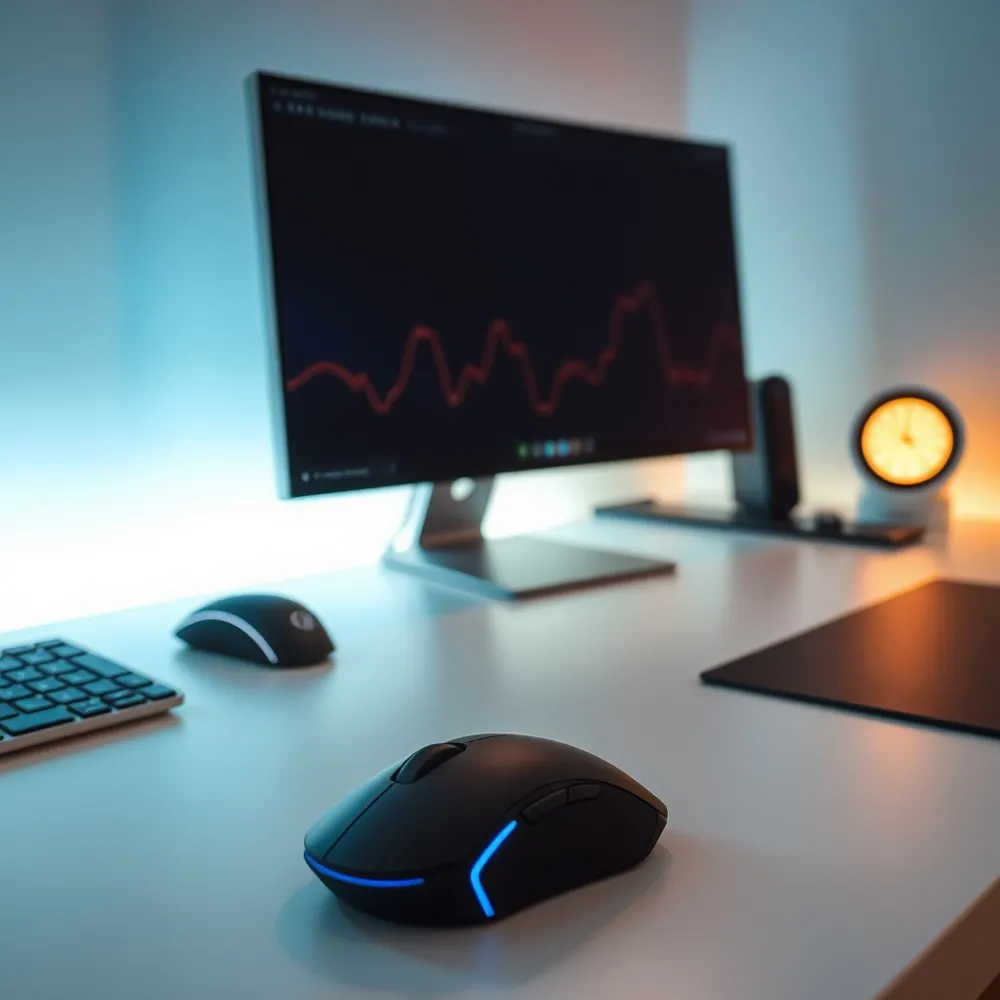
For competitive gaming, the built-in trackpad of a laptop is rarely sufficient for precision. Transitioning to a dedicated gaming mouse can help improve your accuracy and reaction speed. Unlike standard peripherals, gaming mice feature optical sensors designed for consistent tracking, meaning the cursor movement matches your hand motion without smoothing, acceleration, or jitter. Whether you are using hardware from well-known brands or considering a budget-friendly option, the upgrade to a dedicated device provides the reliable feedback needed for competitive titles.
- Consistent tracking: Optical sensors ensure no prediction or jitter delays.
- Ergonomic fit: Match the mouse size and shape to your natural grip to build muscle memory.
- Customizable sensitivity: High DPI allows fine-tuned control over cursor response.
- Weight reduction: Lightweight builds enable faster, fluid movements during high-intensity sessions.
| Feature | Benefit | Pro Tip |
|---|---|---|
| Sensor | Eliminates jitter | Prioritize accuracy |
| Polling Rate | Faster updates | Use 1000Hz minimum |
| Switch Type | High durability | Choose optical switches |
Precision Keyboards: Hall Effect and Rapid Trigger Technology
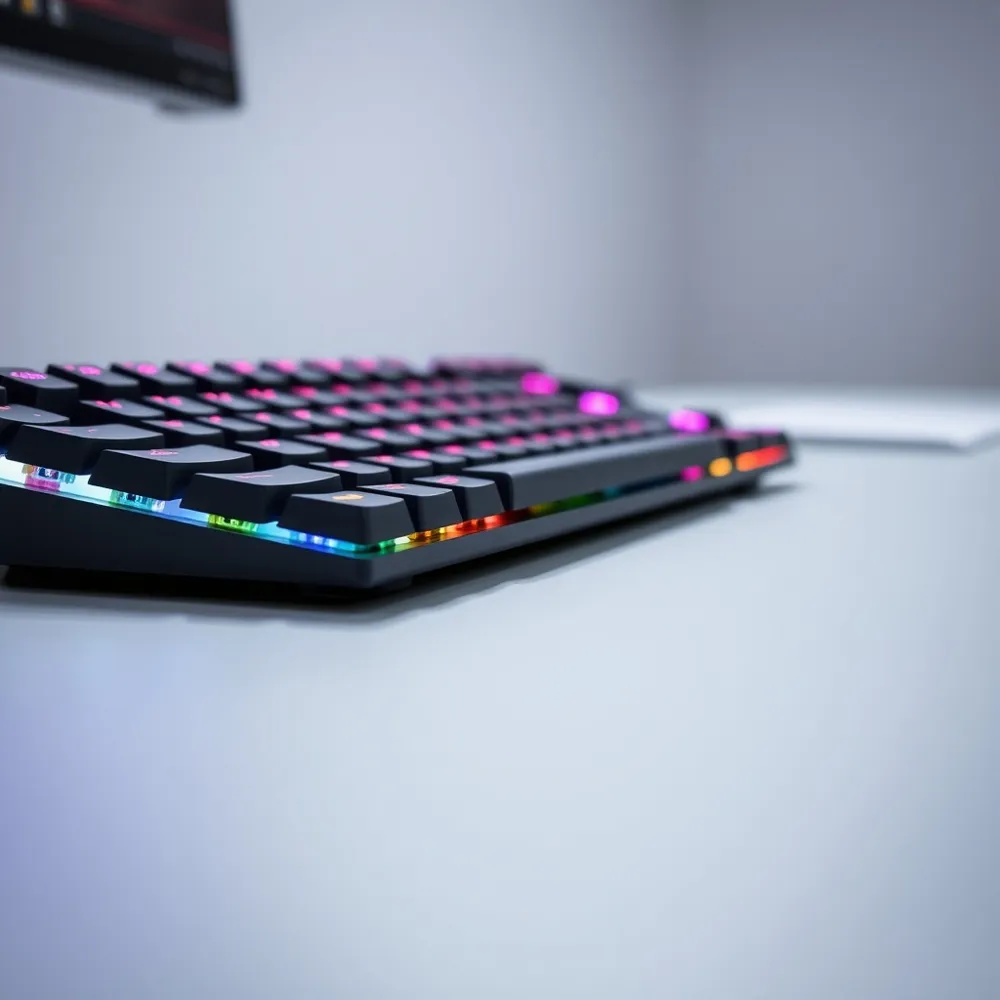
For competitive gamers, the switch beneath each keycap defines overall responsiveness and accuracy. While membrane keyboards are adequate for common tasks, professional players prioritize mechanical switches for their crisp tactile feedback, superior durability, and reliable anti-ghosting performance. Options available on RentOPC provide this professional-grade consistency, ensuring every command registers instantly during high-stakes encounters.
Modern esports setups increasingly utilize Hall effect magnetic switches and rapid trigger technology. Unlike traditional mechanical switches that require a set physical distance for actuation, Hall effect switches detect magnetic field changes to determine key depth. This allows for rapid trigger functionality, enabling a key to reset as soon as it is released, rather than needing to travel back up to a fixed reset point. This creates near-instantaneous input registration, which is a major advantage in movement-heavy shooters.
- 60% keyboards offer more desk space for wide mouse sweeps, a benefit over bulky full-sized options.
- Tenkeyless (TKL) layouts remove the number pad to keep your mouse and keyboard closer, which improves shoulder posture.
- PBT keycaps provide better long-term durability and a more premium texture than standard ABS plastic.
If you are ready to upgrade your gear, RentOPC provides a comprehensive range of high-performance computing hardware for rent, tailored to meet the needs of professionals, students, and growing startups. Our rental catalog includes reliable laptops, desktops, and powerful servers from brands such as HP, Dell, Lenovo, Acer, and Fujitsu. To support your complete office or event setup, we also offer essential peripherals, including chargers, docking stations, and specialized gaming accessories. These flexible rental models allow you to access current technology without the burden of large upfront investments, perfectly suiting short-term projects or temporary team expansions. All rental items come with our warranty and free shipping options, giving you dependable equipment for your business or personal work.
Optimizing Visuals With High-Performance External Monitors
While modern gaming laptops offer impressive hardware, their smaller, integrated screens can become a limiting factor during intense, long-term competitive sessions. Relying solely on a built-in display may restrict your view of environmental details or lead to eye fatigue. Upgrading to a high-performance external monitor, such as a QD-OLED (Quantum Dot Organic Light-Emitting Diode) panel, unlocks substantially faster refresh rates and superior color reproduction compared to most standard laptop displays.
For players aiming for a tactical edge, these monitors provide sharper visuals that clarify subtle movements in fast-paced titles. Many high-end models now feature screen overdrive settings, which, when properly enabled, significantly reduce response times to minimize motion blur. This hardware upgrade is particularly useful for gamers who need consistent, low-latency performance to match the speed of their gaming laptop.
- Use a secondary monitor to keep communication tools like Discord or live streaming dashboards open without needing to alt-tab during gameplay.
- Ensure your laptop supports a direct display output to reach the full refresh rate potential of your external panel.
- With RentOPC, you can take advantage of free shipping and rental options to balance your immediate budget needs.
Is delivery available for hardware purchased or rented through RentOPC?
Yes, delivery is readily available for all hardware purchased or rented through RentOPC. We provide free shipping on every order, ensuring your equipment reaches you anywhere across India. Our delivery process is designed to be quick and dependable, making it easy for professionals, students, and small-business owners to access the technology they need. Whether you are buying a laptop or renting a high-performance server, you can count on us to handle the logistics at no extra cost to you. We prioritize a seamless experience so you can focus on your work without worrying about the transit of your tech hardware.
Professional Audio and Communication Gear for Teamwork
Clear communication is as vital to team success as individual mechanical skill. In noisy environments, a dedicated gaming headset helps by isolating audio cues like enemy footsteps. While standard integrated laptop audio often fails to provide the directional accuracy needed, a high-fidelity headset with surround sound support clarifies the spatial location of opponents.
- Wired headsets offer consistent, latency-free audio connections, making them the standard choice for tournament-level stability.
- Wireless models grant freedom of movement for ergonomic comfort, though they require routine battery management.
- Studio-grade microphones are essential for team coordination, as they filter out background noise far more effectively than basic built-in laptop microphones.
- Closed-back ear designs are best for maintaining focus by physically blocking out environmental distractions.
Does RentOPC provide any warranty or support for the hardware purchased or rented?
Yes, all products purchased or rented from RentOPC come with a standard six-month warranty, ensuring reliability and customer peace of mind across India. Beyond our internal coverage, you can further protect your electronics by paying with an eligible eligible payment card, which may grant you an extended manufacturer warranty for up to one additional year. This benefit is designed to provide extra security for your high-performance hardware. Please note that terms and conditions apply to these extended protections, so we encourage you to review the specific policy details provided by your card issuer. By combining our store-backed warranty with your card’s additional perks, you get comprehensive, long-term support for your new or rental equipment.
Thermal Management and Laptop Performance Stability
Maintaining consistent performance during gaming requires more than just raw component power. Even the most capable systems can suffer from thermal throttling, where the CPU and GPU intentionally lower their clock speeds to prevent heat-related damage. For gamers using high-performance units from RentOPC, adding a dedicated cooling pad is a practical, cost-effective way to sustain peak output. These accessories assist airflow by directing cool air into the intake vents located on the bottom of the laptop chassis, ensuring that internal temperatures remain within optimal ranges during sustained gaming sessions.
Beyond active cooling, optimizing how your hardware processes visual data is essential for smooth responsiveness. Laptops equipped with a MUX switch offer a performance benefit by allowing the user to bypass the integrated graphics and connect the discrete GPU directly to the display. This configuration minimizes the 'click-to-photon' response time, providing a more responsive experience in games. Many users find that pairing their primary machine with an external monitor through a single-cable, high-speed connection further streamlines their environment, ensuring that the system focuses all its resources on consistent frame rates.
Managing a complex array of peripherals can also impact your connectivity and power stability. A high-quality Thunderbolt docking station allows gamers to organize their mouse, keyboard, and audio gear into one tidy interface. When selecting a dock for a setup rented or purchased via RentOPC, you must carefully match the dock's power delivery wattage to the specific requirements of your laptop. An undersized power supply can lead to inconsistent performance or even battery discharge during intense gaming. By ensuring your dock supports the correct power profile, you secure a reliable, high-performance station that reduces clutter and helps prevent connection drops.
Streamer Essentials: Capture Cards and Webcams
Broadcasting your gameplay effectively often requires shifting the processing burden away from your primary gaming machine. Using a dedicated external capture card allows your laptop to prioritize rendering game frames while the hardware handles the heavy lifting of video encoding. This separation of duties ensures that even complex, fast-paced titles maintain stable frame rates without sacrificing stream quality.
Visual clarity remains a top priority for audience engagement. While integrated laptop cameras often lack the sensor quality required for consistent results, a dedicated webcam provides the necessary fidelity to keep your viewers connected. Beyond visual input, a Stream Deck can drastically change your production efficiency. Allowing you to trigger complex multi-layered scene changes, audio adjustments, or platform-specific notifications with a single button press, these tools turn cumbersome manual tasks into a seamless process.
Maintaining a professional output requires a balanced hardware ecosystem. Startups and professional streamers frequently choose to rent their primary computing hardware to free up capital for these high-performance peripherals. Renting through RentOPC provides an affordable entry point to professional-grade hardware, ensuring your budget remains flexible for essential streaming accessories. Along with free shipping across India, every rental includes a comprehensive warranty, offering the security needed to scale your production environment without risking significant upfront investment.
Specialized Controllers and Ergonomic Furniture
For players who delve into specific genres like flight or space simulators, standard peripherals often fall short. Incorporating a Hands-On Throttle-And-Stick system, commonly referred to as a HOTAS setup, can significantly improve immersion and control precision compared to a standard gamepad. When you build a dedicated space for these specialized tools, you create a persistent environment that allows for consistent muscle memory development across every session.
Stability is just as vital as input accuracy during long hours of engagement. An ergonomic gaming chair provides the necessary support for your lumbar and neck regions, helping to maintain physical comfort and focus during marathon competitive sessions. While some retail stores emphasize high-cost designer furniture, at RentOPC we focus on providing value and high-performance hardware solutions that help you sustain your edge without excessive capital expenditure.
Transporting your gear to events requires more than just a standard backpack. Dedicated, protective carry bags are essential to prevent damage to sensitive laptops, monitors, or delicate HOTAS sticks. Whether you are a student or a professional traveling for matches, reliable protection ensures your investment stays functional. Our commitment to you at RentOPC includes free shipping across India, ensuring your hardware reaches you safely so you can focus on building the ideal station for your unique play style.
Optimizing Total System Latency
Achieving a competitive edge in fast-paced titles requires minimizing total system latency, often referred to as click-to-photon response. This metric measures the time elapsed between a physical input, such as a mouse click, and the corresponding visual result appearing on your display. While a high-performance gaming laptop provides the raw power for smooth frame rates, the cumulative delay introduced by the CPU, GPU, and screen can stifle your reaction speed.
You can improve performance by ensuring your machine is running in its highest performance power mode, typically found within the manufacturer's control center software. If your laptop features a MUX switch, disabling the integrated graphics, or Optimus, forces a direct connection from the discrete GPU to the display, which often cuts down on latency. For those relying on high-performance gear from RentOPC, ensuring these software settings match your hardware's capabilities is a vital step toward professional-grade responsiveness.
Beyond power profiles, internal configuration plays a role. Enabling screen overdrive features helps panels transition pixels faster, reducing blur during rapid camera movements. The selection at RentOPC focuses on devices that balance thermal stability with clear optimization paths. Synchronizing your GPU output to your display's native refresh rate remains the final step, ensuring every frame is delivered without stutter or input lag.
Final Tips for Building Your Professional Gaming Station
Building a competitive gaming station is a deliberate process of balancing performance, ergonomics, and reliability. Investing in quality peripherals, such as high-precision mice and responsive mechanical keyboards, transforms your interaction with the game, allowing for consistent muscle memory and improved reaction times. While high-end gear can represent a significant upfront cost, professionals often find that the right tools pay for themselves through long-term durability and the competitive edge they provide.
Before committing your entire budget to new hardware, consider how you can build or upgrade your setup more efficiently. At RentOPC, we provide flexible rental models that allow you to integrate top-tier equipment into your workflow without a large initial investment. This approach is particularly beneficial for professionals and students in India who want to test specific gear or require high-performance hardware for short-term projects.
Reliability remains a cornerstone of any professional space. Whether you purchase or rent from RentOPC, you benefit from our six-month warranty on most products and free shipping across India. This service level helps mitigate the risks typically associated with secondary markets or uncertified retail outlets. By focusing on consistent hardware and securing your setup with reliable support, you create a stable foundation that allows your mechanical skills to truly shine.
Related RentOPC guides
- Gaming Laptop Buying Guide for Indian Gamers
- Essential Features to Consider for Gaming Laptops in India